15 Gemini Nano Banana Pro Prompts for Christmas Cards

Christmas cards have come a long way from handwritten notes and store-bought prints. Now, we can create stunning digital cards in minutes using AI. Whether you want to email them, post them on social media, or even print them out, digital Christmas cards give you endless creative freedom.
Google’s latest image model, Nano Banana Pro, is making waves right now. It’s considered one of the best image models available, and for good reason. The quality is impressive, and it handles text really well, which has always been tricky for AI image generators.
How to Use These Prompts
Head over to gemini.google.com and start a new conversation. Select “Thinking with 3 pro” from the options. Then paste any prompt from below. You can also upload a reference photo if you want to guide the style or include specific elements.
Here are 15 prompts to help you create beautiful Christmas cards.
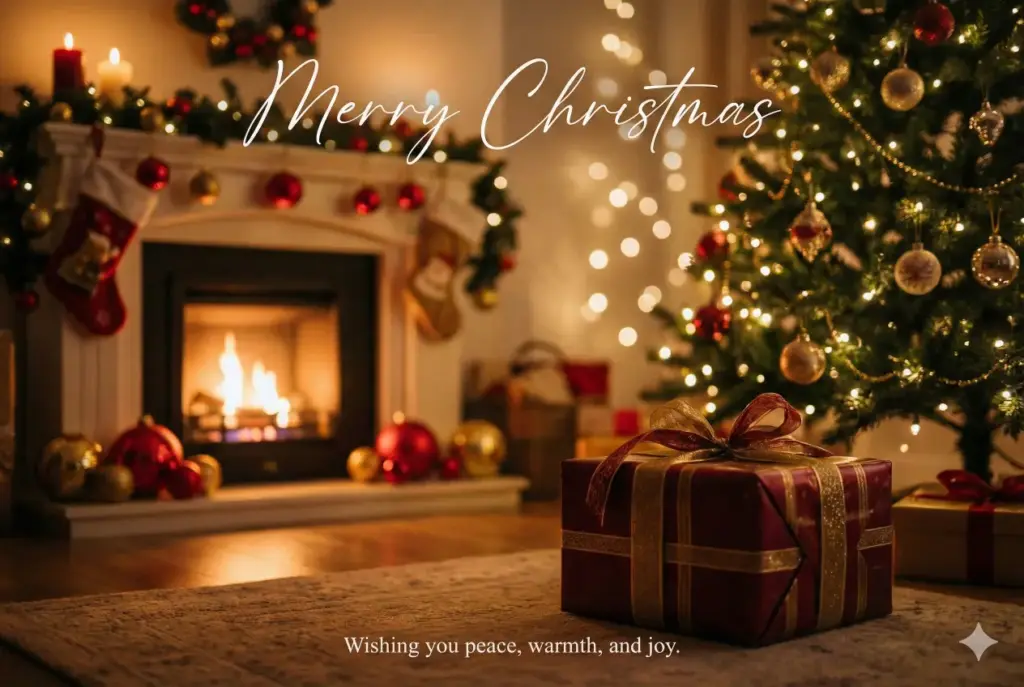
Cozy Fireplace Christmas Scene
Create a cozy Christmas card scene where a soft glowing fireplace lights up a living room decorated with red and gold ornaments. Place a beautifully wrapped gift box in the foreground and a Christmas tree with twinkling lights behind it. Use gentle bokeh lighting and a warm color palette. Add elegant handwritten text on the top center that reads Merry Christmas. Add small text at the bottom that reads Wishing you peace, warmth, and joy. Use aspect ratio 3:2.
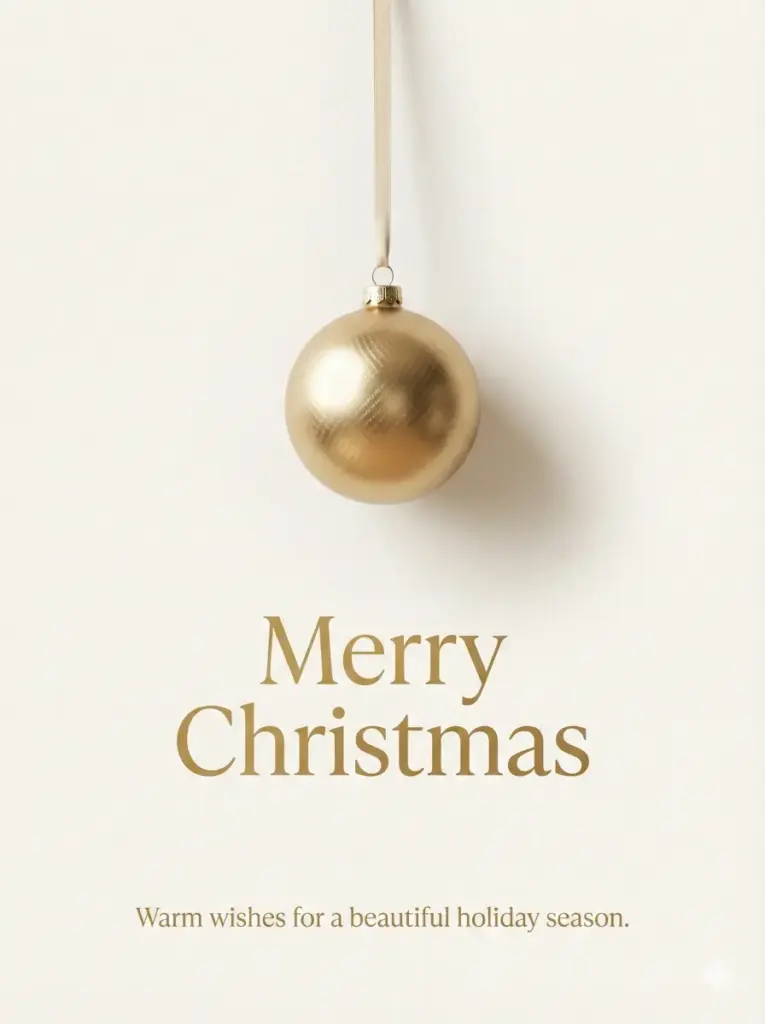
Minimal Luxury Gold Ornament
Create a minimal luxury Christmas card with a clean cream background. Add a single metallic gold Christmas ornament hanging from a thin ribbon. Use soft shadows for depth and refined elegance. Add modern serif text in the center that reads Merry Christmas. At the bottom add Warm wishes for a beautiful holiday season. Use aspect ratio 3:4.
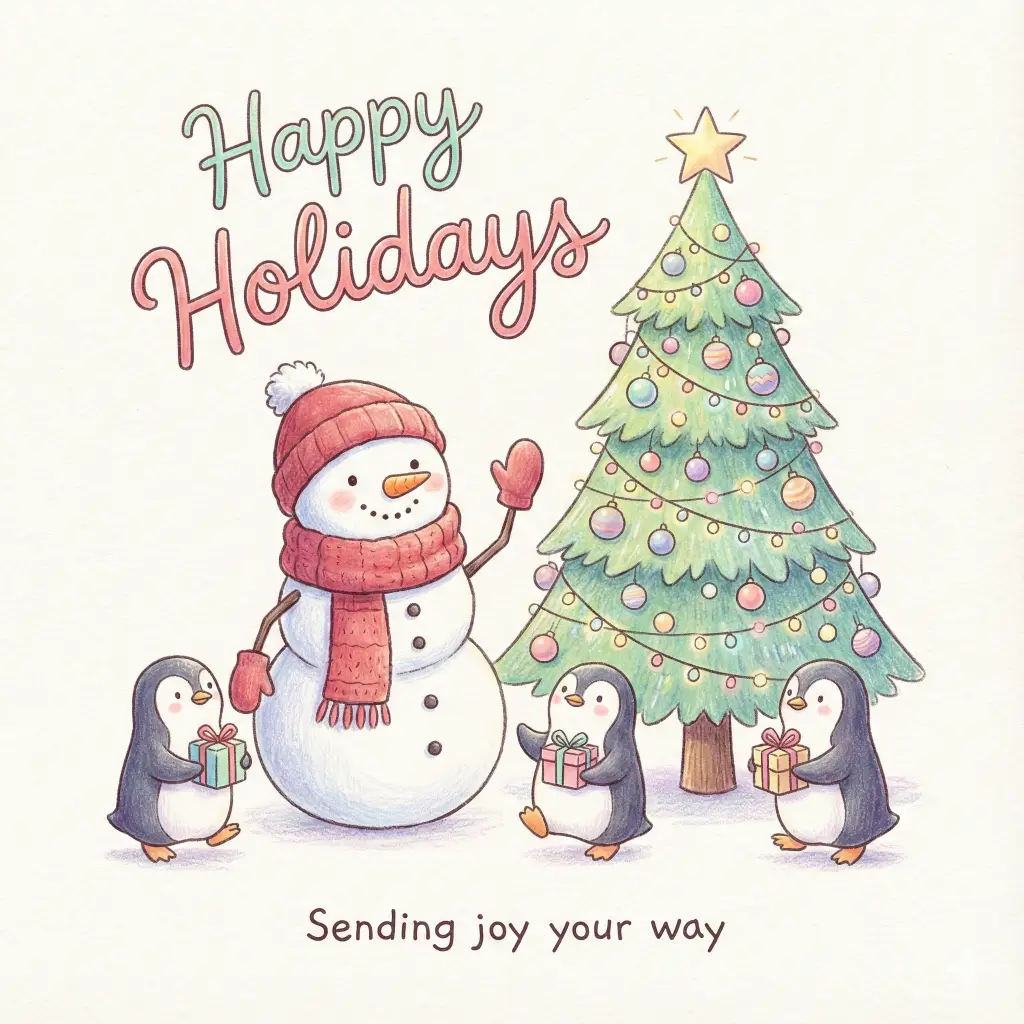
Cheerful Snowman and Penguins
Create a cute illustrated card featuring a cheerful snowman with a red scarf, penguins holding tiny gifts, and a bright Christmas tree. Use playful pastel colors and soft shading. Add festive hand-drawn text above the characters that reads Happy Holidays. Add a smaller friendly message that reads Sending joy your way. Use aspect ratio 1:1.
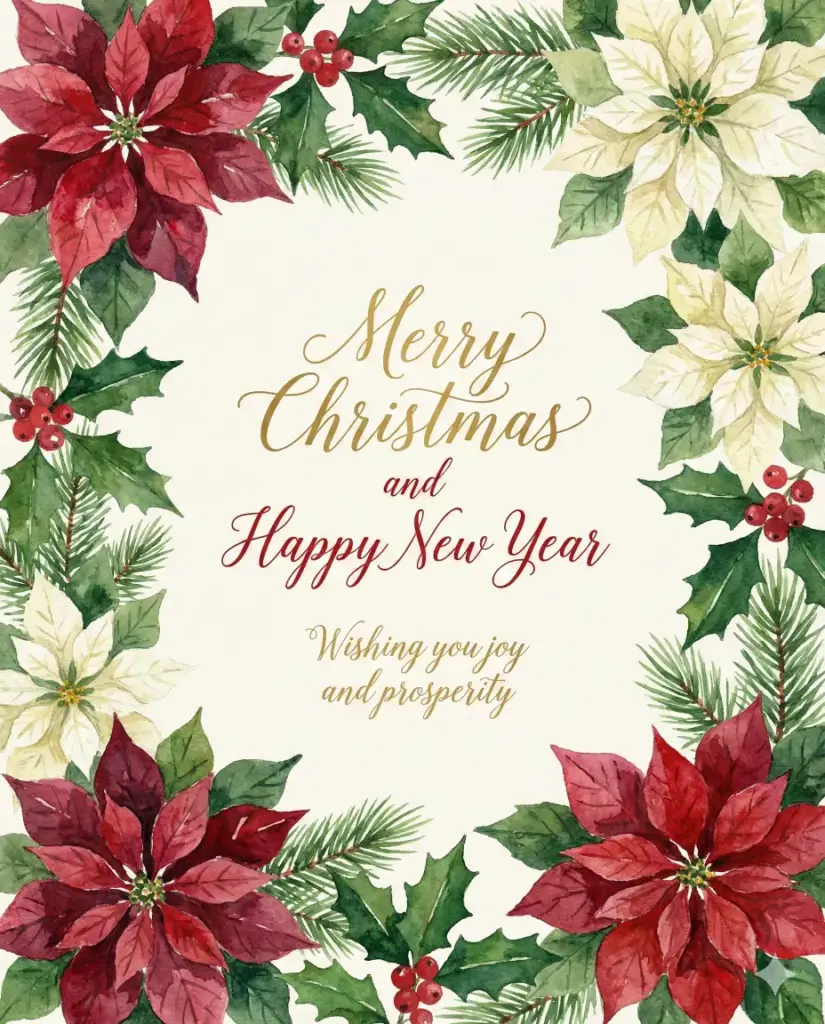
Watercolor Poinsettia Border
Create a Christmas card with hand-painted watercolor poinsettias, holly leaves, and berries arranged around the border. Leave the center clean and bright for the greeting. Add elegant calligraphy text in the center that reads Merry Christmas and Happy New Year. Add a small message below that reads Wishing you joy and prosperity. Use aspect ratio 4:5.
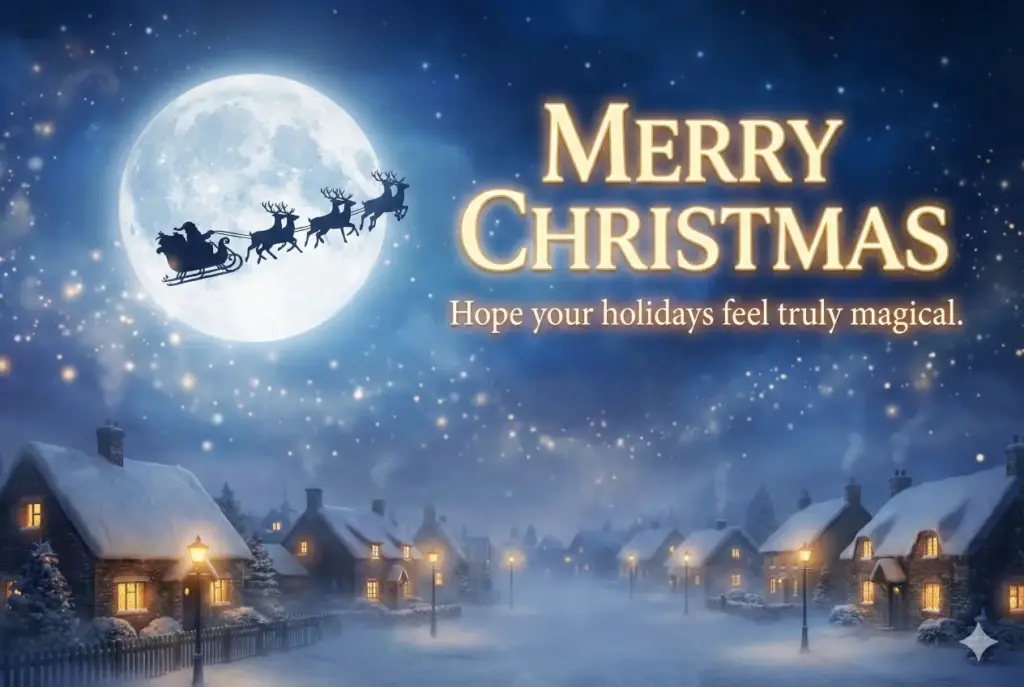
Santa’s Sleigh Under Moonlight
Create a magical night sky with Santa’s sleigh flying across a glowing moon. Add a snowy town below with warm lights and gentle fog. Use rich blues and soft sparkles for atmosphere. Add bold festive text that reads Merry Christmas. Add a smaller line under it that reads Hope your holidays feel truly magical. Use aspect ratio 3:2.
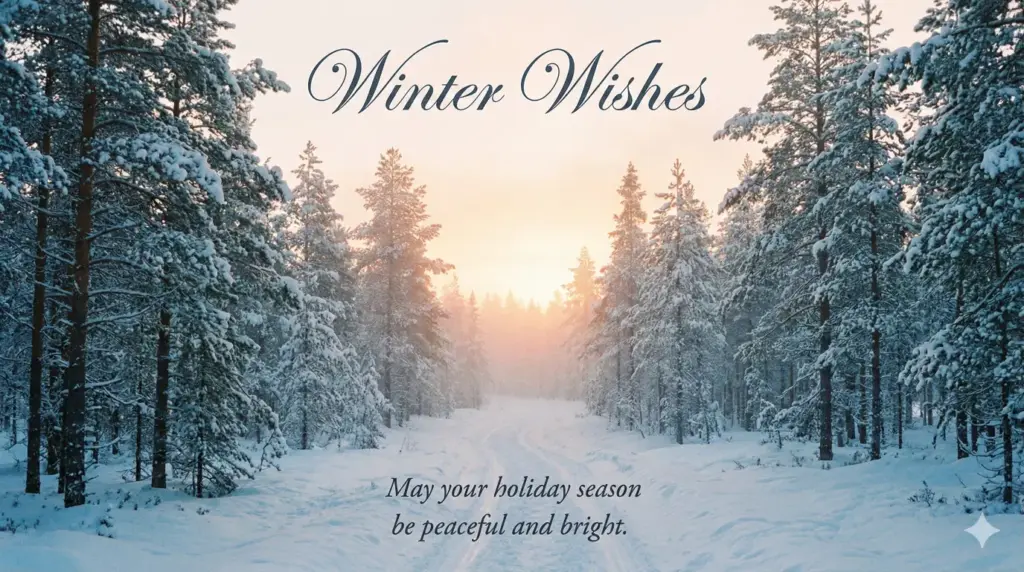
Serene Winter Forest Path
Create a serene winter forest with tall snow covered pine trees and a narrow path leading toward a soft glowing sunrise. Add light mist for a dreamy atmosphere. Use a cool blue and white palette. Add elegant script text on top that reads Winter Wishes. Add a message at the bottom that reads May your holiday season be peaceful and bright. Use aspect ratio 16:9.
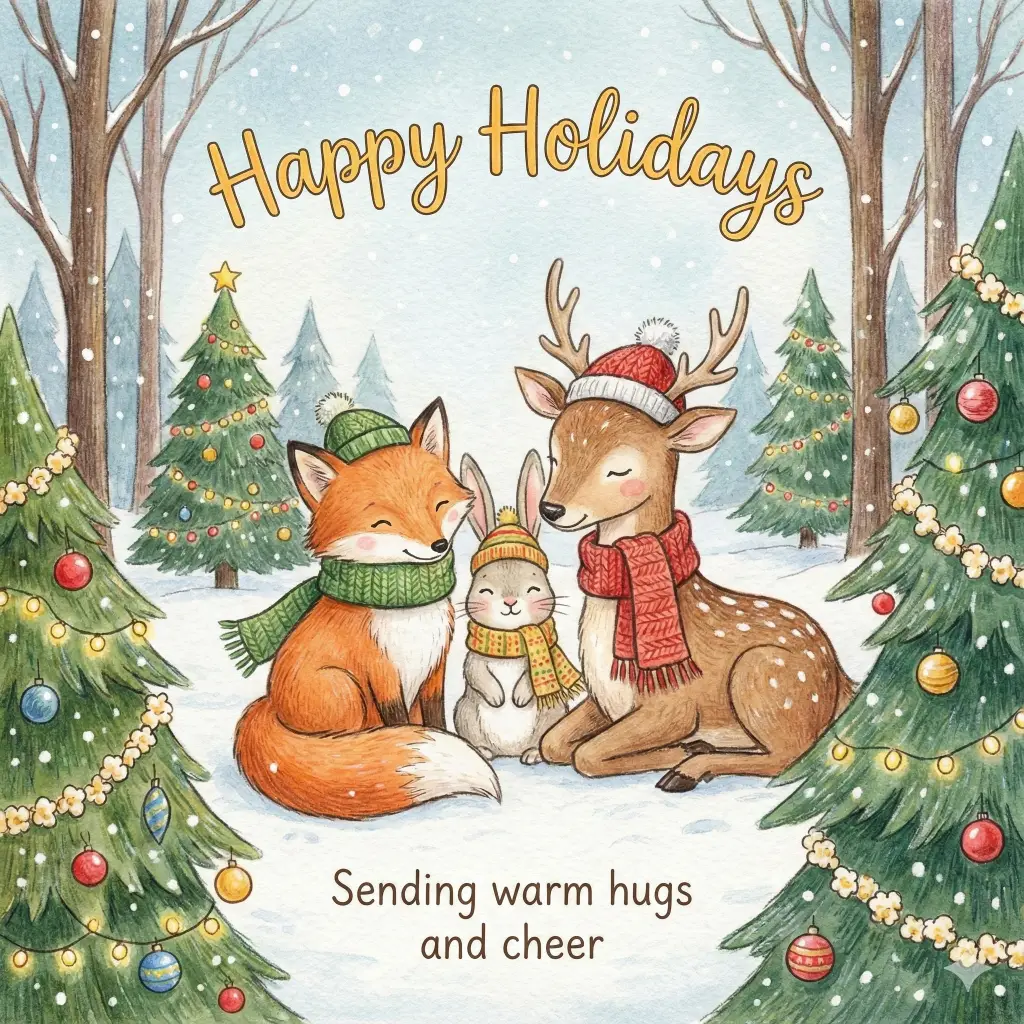
Woodland Animals in Winter Wear
Create an illustrated card with adorable woodland animals like a fox, rabbit, and deer wearing tiny scarves and hats. Surround them with decorated trees and falling snow. Add cheerful handwritten text that reads Happy Holidays. Add a small friendly note below that reads Sending warm hugs and cheer. Use aspect ratio 1:1.
Black and Gold Luxury Design
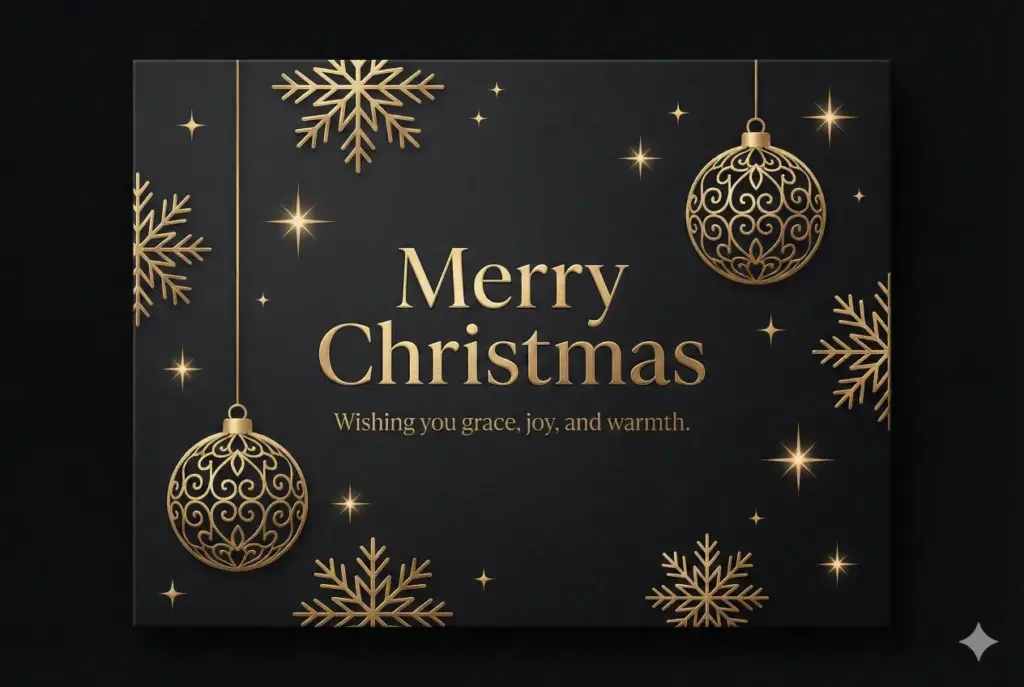
Create a luxury themed Christmas card with a matte black background and gold metallic elements such as snowflakes, ornaments, and sparkles. Add subtle gradients for depth. Place stylish serif text at the center that reads Merry Christmas. Add a refined message below that reads Wishing you grace, joy, and warmth. Use aspect ratio 3:2.
Snow-Covered Cottage at Dusk
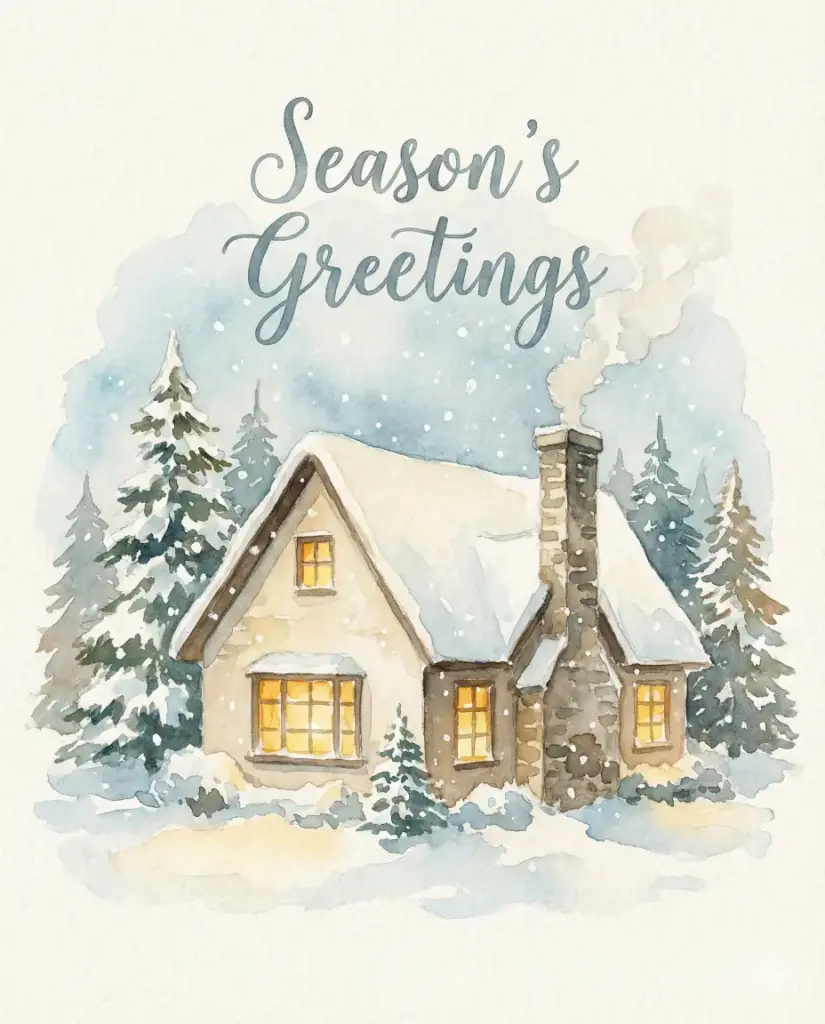
Create a soft watercolor painting of a small cozy cottage covered in snow with warm yellow light glowing through the windows. Add gentle pine trees around the cottage and light snowflakes in the air. Add hand painted style text above the cottage that reads Season’s Greetings. Use aspect ratio 4:5.
Vintage 1950s Santa and Truck
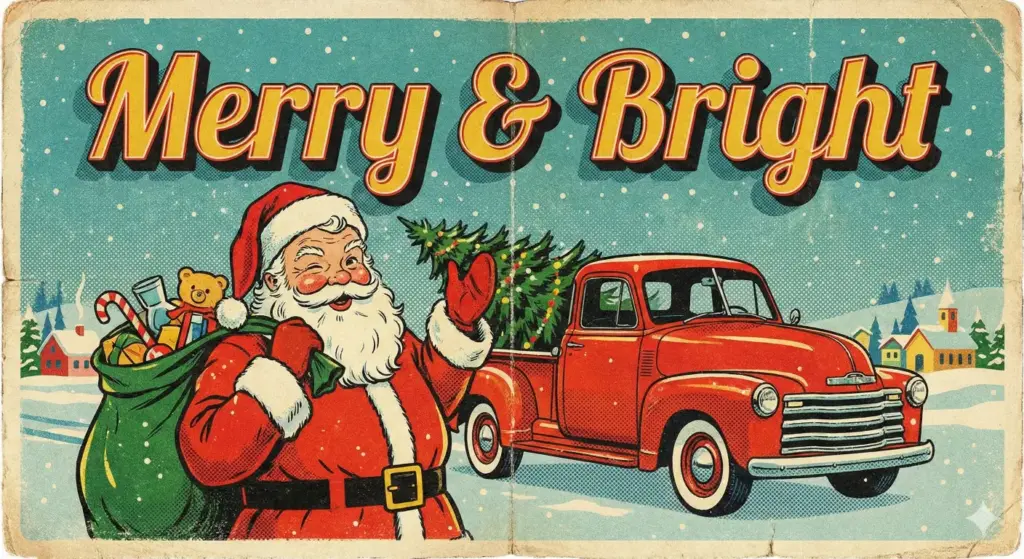
Create a vintage 1950s-style Christmas card illustration featuring a cheerful Santa Claus winking while holding a sack of toys, standing next to a retro red truck loaded with a Christmas tree. The colors should be vibrant but slightly muted to look like an old postcard, with a grainy texture and half-tone dot effect. At the top of the card, write the text “Merry & Bright” in a bold, retro display font with a drop shadow.
3D Baby Penguin with Lantern
Create an adorable, high-quality 3D render of a fluffy baby penguin wearing a red knitted scarf and oversized earmuffs, holding a glowing star lantern in its flippers. The background should be a magical winter wonderland with blurred bokeh Christmas lights in soft gold and blue tones. Floating in the air next to the penguin, include the text “Sending Warm Hugs” in a bubbly, soft 3D font that looks like it is made of snow. Use aspect ratio 3:4

Grumpy Golden Retriever in Lights
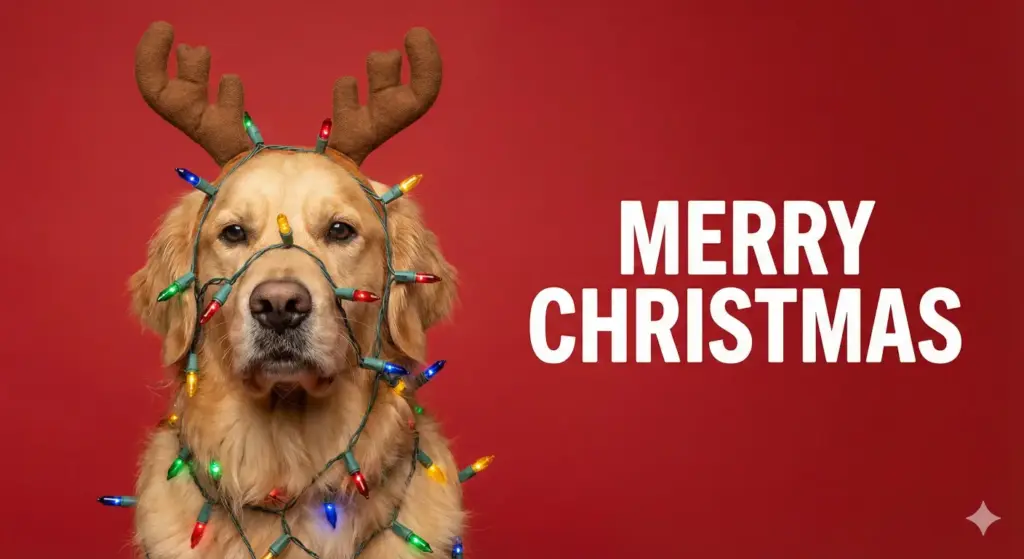
Create a photorealistic studio portrait of a grumpy golden retriever dog wearing a pair of antlers and tangled in a string of colorful Christmas lights, looking directly at the camera with a confused expression. The background should be a solid, seamless red studio backdrop. To the right of the dog, write the text “Merry Christmas” in a bold, white sans-serif font.
Vintage Snowy Street Scene
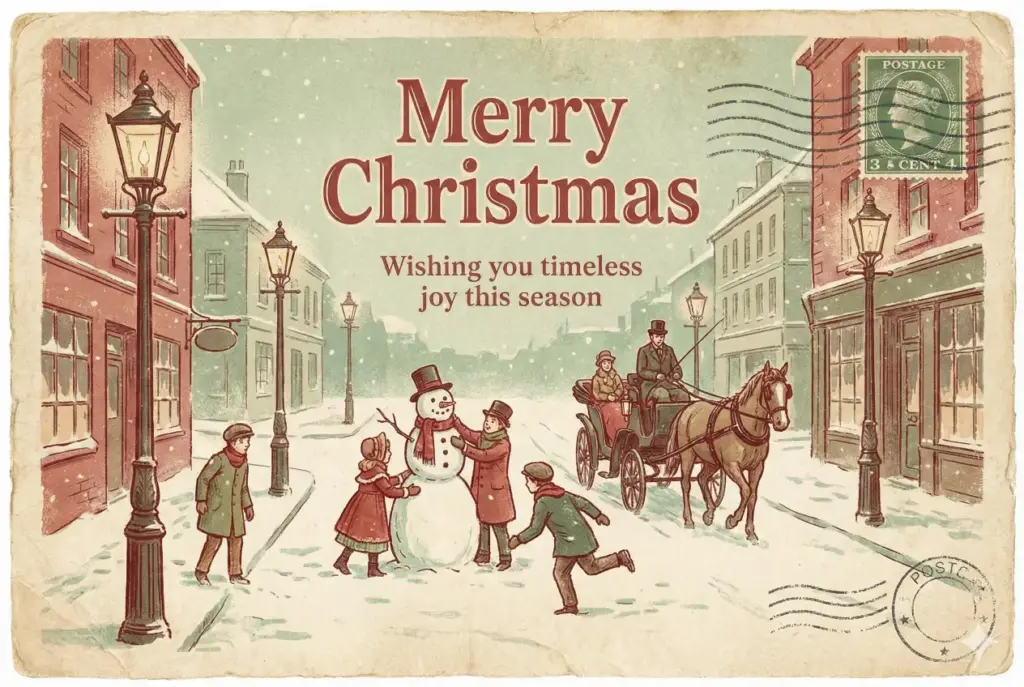
Create a vintage Christmas postcard with muted reds, faded greens, and a textured paper background. Add an old fashioned illustration of a snowy street with classic lamp posts and children playing. Add retro serif text at the top that reads Merry Christmas. Add a smaller nostalgic message that reads Wishing you timeless joy this season. Use aspect ratio 3:2.
Christmas Snow Globe Village
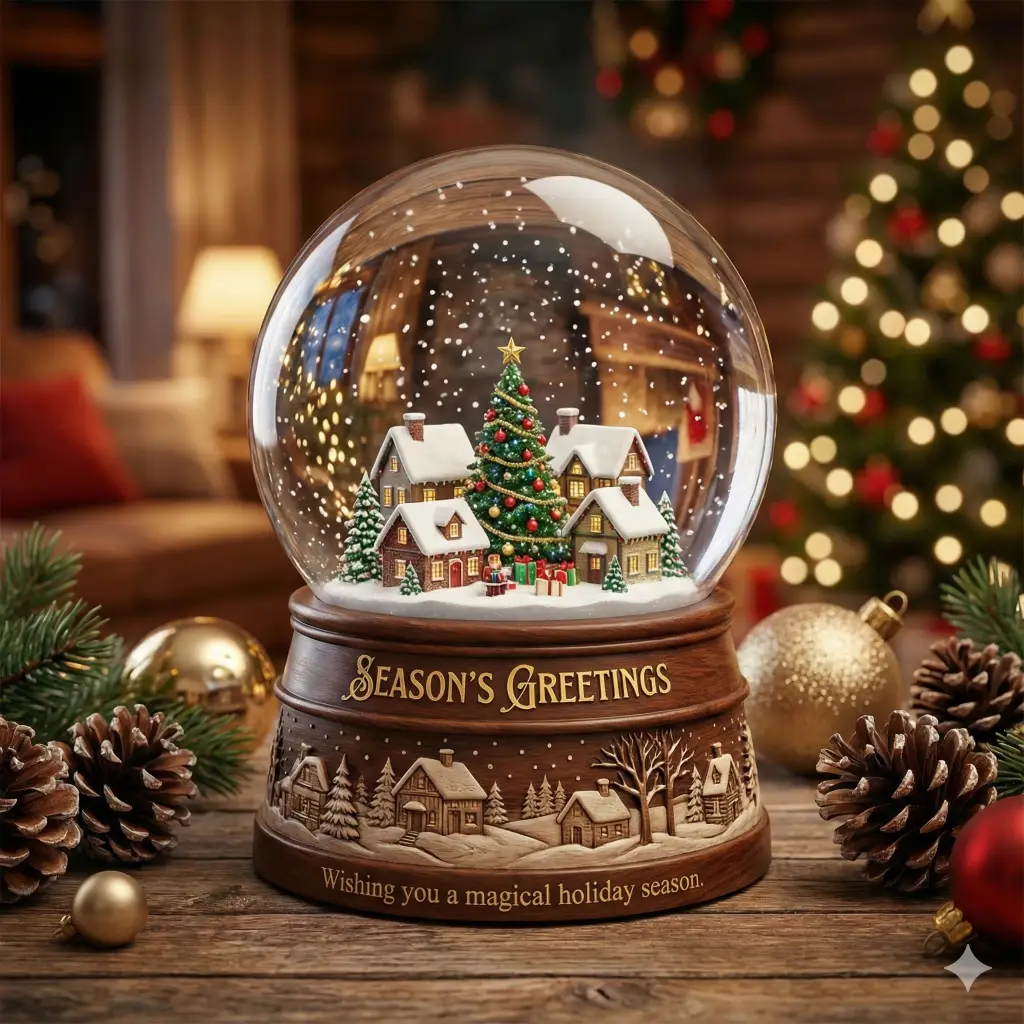
Create a Christmas snow globe with a tiny village inside containing a tree, small houses, and falling snow. Add reflections on the glass and a wooden base with engraved detailing. Add festive text outside the globe that reads Season’s Greetings. Add a short message below that reads Wishing you a magical holiday season. Use aspect ratio 1:1.
Santa Reading Letters by the Fire
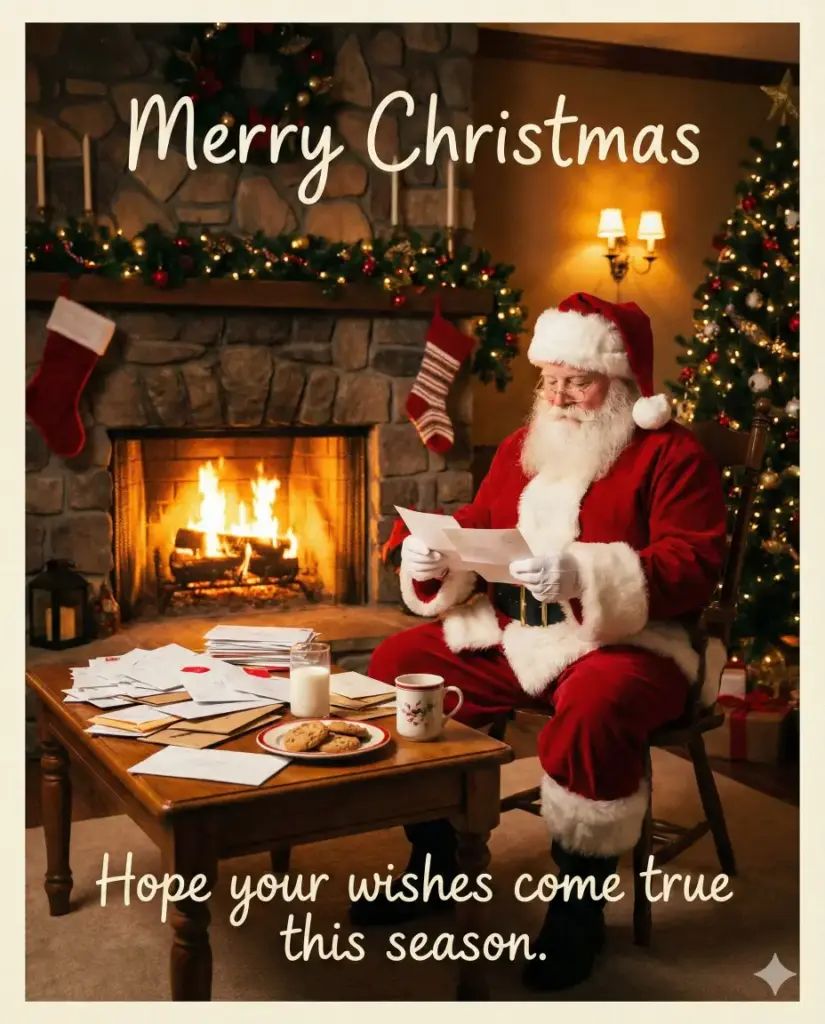
Create a warm scene showing Santa sitting by a fireplace reading letters from children, with a table full of envelopes and milk and cookies beside him. Use warm golden lighting and cozy tones. Add friendly handwritten text that reads Merry Christmas. Add a heartfelt line that reads Hope your wishes come true this season. Use aspect ratio 4:5.
There you have it. Fifteen different styles to match any mood or recipient. Copy the prompt, paste it into Gemini, and watch your card come to life.