Turn Your Photo Into a Cute Doodle Illustration With This ChatGPT Prompt

Get our stories first in Google Search
There’s something really satisfying about a messy little doodle. The kind that looks like someone sketched it in the margins of a notebook while they were supposed to be paying attention to something else. Wobbly lines, simple shapes, a bit of personality in every stroke.
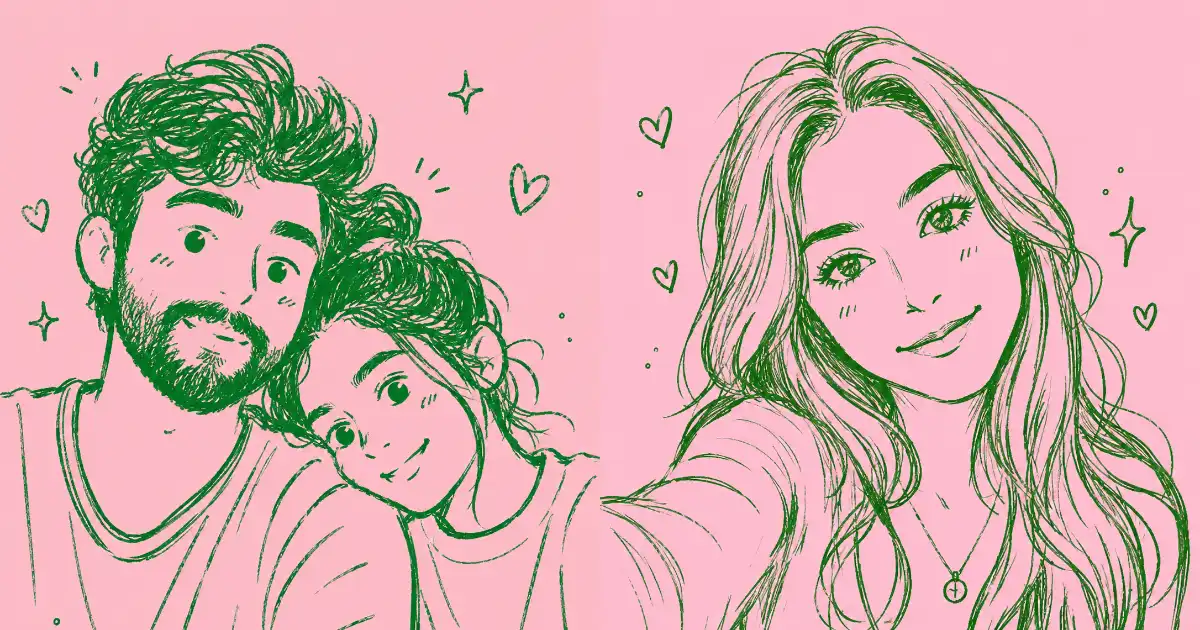
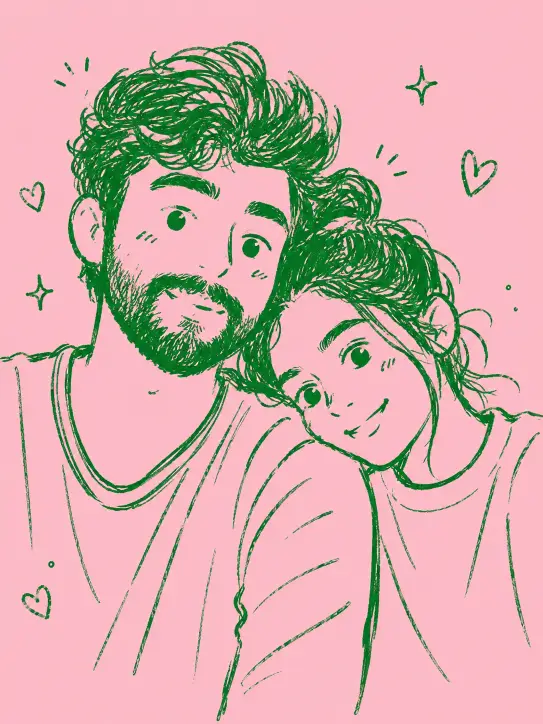
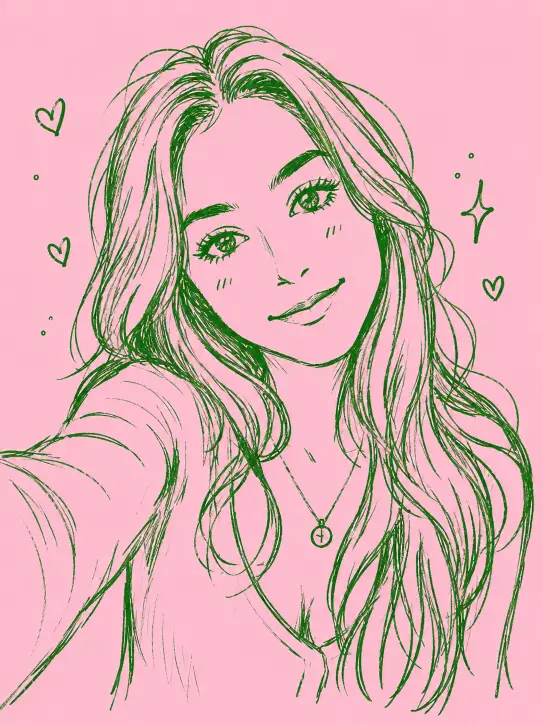
I’ve been playing with a prompt that turns regular photos into exactly that. It takes whatever picture you give it and redraws it as a soft green hand-drawn doodle on a flat pink background. Pet photos, selfies, a snapshot of your morning coffee, it all works.
The Prompt
Here’s the one I use. Copy it as is, then upload your photo in the same message.
Convert this photo into a playful minimalist doodle sketch. Render the subject with loose hand-drawn linework using a green brush pen, letting the strokes stay a little shaky and uneven for an organic feel. Pare everything down to soft, rounded childlike forms while keeping the original subject and layout recognizable. Aim for a casual sketchbook vibe with cheerful, cartoonish character styling, set against a flat pink backdrop. Emphasize sparse lines, easygoing simplicity, and a homemade quality, with small wonky details adding charm. Keep it loose, friendly, and effortlessly cute. Aspect ratio 3:4.
How to Use It in ChatGPT
This is a ChatGPT prompt, so you’ll want to be in a chat where image generation is turned on. Open a new conversation, paste the prompt, and attach your photo using the upload button before you hit send.
ChatGPT reads the photo first, figures out the main subject and how everything is arranged, then redraws it in the doodle style described. You usually get your result in under a minute.
If the first version comes out too detailed or too plain, just say so. Something like “make the lines wobblier” or “simplify the background even more” works well, and ChatGPT will adjust without you needing to retype the whole thing.
What Each Part of the Prompt Is Doing
It helps to know why the prompt is built the way it is, especially if you want to tweak it later.
The phrase “loose hand-drawn linework using a green brush pen” sets both the color and the tool feel. Green is what gives these doodles their signature look, and “brush pen” tells the model to vary the line thickness instead of keeping it flat and uniform.
“Shaky and uneven” and “small wonky details” are doing a lot of quiet work. Those words are what stop the output from looking too clean and machine-made. The little imperfections are the whole charm, so it’s worth keeping them in.
“Soft, rounded childlike forms” is the instruction that strips away complexity. It tells ChatGPT to turn fussy real-world detail into simple cartoon shapes, which is what makes the final image feel like a doodle and not a tracing.
“Flat pink backdrop” keeps the background calm and lets the green linework pop. Pink and green sit nicely next to each other, so the subject never gets lost.
Photos That Work Best
You can throw almost anything at this prompt, but some subjects just shine.
Pets are my favorite. A doodle of a sleeping cat or a goofy dog has a warmth to it that a regular photo sometimes misses. The simplified shapes make animals look extra cute.
Portraits and selfies also turn out great. Because the style softens features into friendly cartoon forms, the results feel flattering and fun rather than overly literal. It’s a nice way to make a profile picture that doesn’t look like everyone else’s.
Everyday objects are underrated here too. A plant on a windowsill, a stack of books, your favorite mug, all of these become sweet little sketches that would look right at home as a sticker or a phone wallpaper.
Easy Ways to Change the Look
The prompt is a starting point, not a fixed recipe. A few small swaps open up a lot of variety.
Try changing the pen color. Swap “green” for blue, black, or warm orange and you get a completely different mood while keeping the same hand-drawn feel. A black pen on pink looks especially clean.
You can also change the background. Switch “flat pink” to cream, soft yellow, or pale blue depending on what suits your subject. Lighter, muted backgrounds tend to keep the focus on the linework.
If you want a different shape for the final image, just change the aspect ratio at the end. Use 1:1 for a square that fits social posts, or 9:16 if you’re making something tall for your phone screen.
A Few Tips for Cleaner Results
A clear source photo with one obvious subject gives the best output. If your photo is busy or crowded, ChatGPT has to guess what to keep and what to drop, and the result can feel cluttered.
Good lighting in the original helps too. Even though the final doodle is simple, a well-lit photo gives the model a clearer read on the shapes and edges, which leads to cleaner lines.
And don’t be shy about asking for a second pass. These styles are quick to generate, so trying two or three versions and picking your favorite costs you almost nothing.
This little green doodle prompt is one of those things that’s simple on the surface but genuinely fun to play with. It takes ordinary photos and gives them a handmade, lighthearted feel that’s hard not to smile at.
Save the prompt somewhere handy and pull it out whenever you want a cute sketch of a pet, a friend, or whatever happens to be sitting on your desk. Once you start, it’s a little hard to stop.