ChatGPT Prompt That Turns Any Photo Into a Flat Vector Avatar

Get our stories first in Google Search
Flat vector portraits are everywhere right now. Team pages, podcast covers, X profiles, Notion docs, that little circle next to your name in Slack.
The look is simple: clean shapes, soft shading, a bold single-color background, and a face that still looks like you. Getting there used to mean hiring an illustrator or spending an afternoon in Illustrator yourself.
ChatGPT can do it from a single photo, but only if the prompt is specific about the style. Vague requests give you a cartoon, an anime face, or a glossy 3D render. Below is one prompt that gets the flat vector look consistently, plus everything I have learned about making it work.
The Prompt
Upload your photo first, then paste this in the same message.
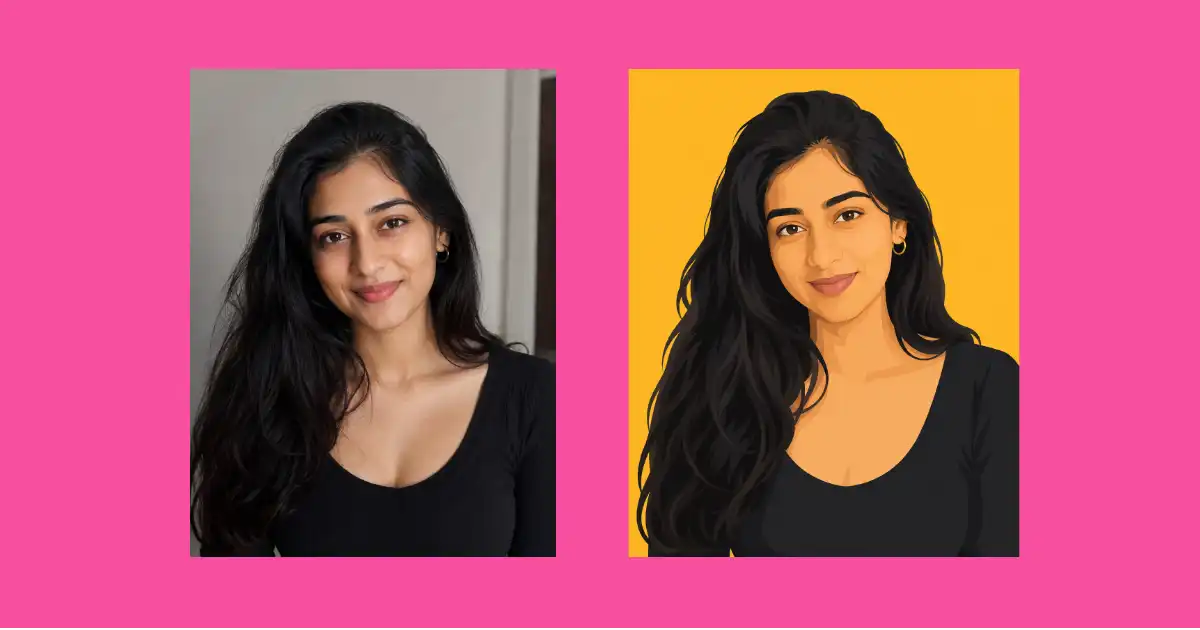
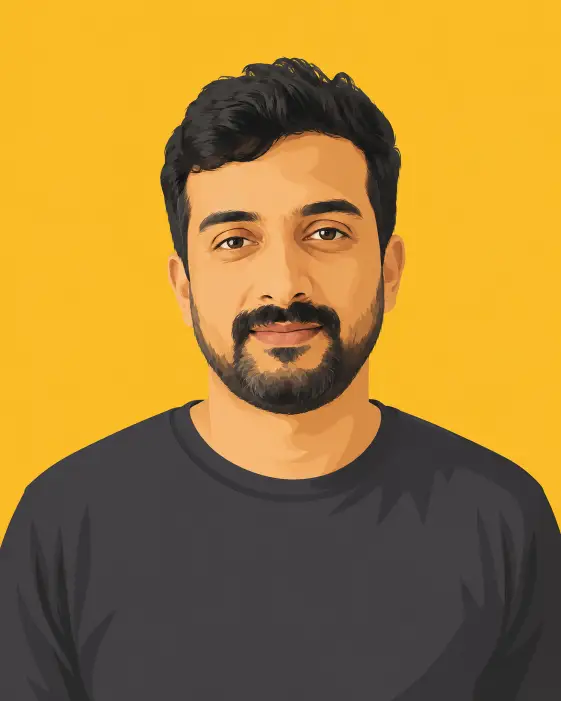
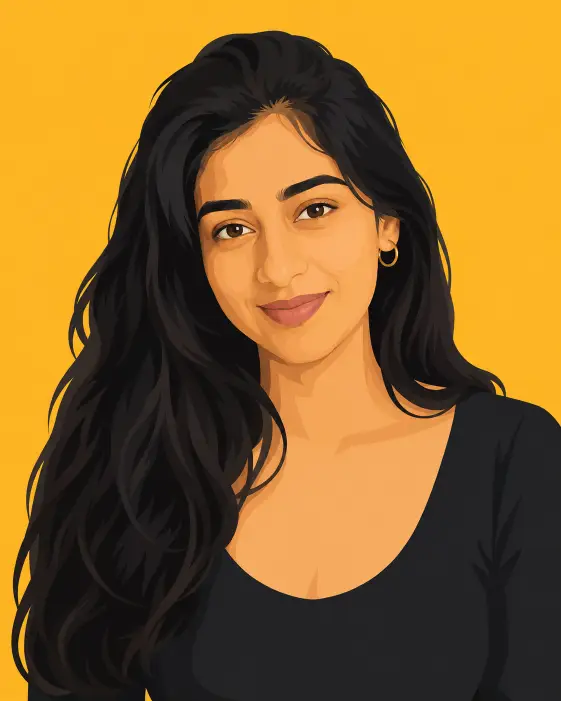
Create a flat vector illustration portrait of the person in the uploaded photo. Keep their exact face shape, hairstyle, hair texture, facial hair, eyebrow shape, skin tone, and eyewear so the avatar stays clearly recognizable as the same person. Frame them from the upper chest up, centered in the frame, facing the camera straight on at eye level with squared shoulders and a calm, confident, closed-mouth expression. Keep whatever clothing they are wearing in the uploaded photo and simplify it into flat blocks of color, dropping logos, prints, and fine detail. Illustrate them in a modern flat vector style with smooth clean edges, simplified geometric shapes, and soft cel-shaded blocks of color for the hair, cheeks, jaw, and fabric folds, using two or three flat tones per area instead of gradients. Do not draw any black outlines or line art anywhere in the illustration, including around the neck, jaw, ears, hairline, and shirt collar. Separate the head, neck, shoulders, and clothing using flat color and value differences only, so every edge reads as a clean color boundary rather than a drawn line. Keep the skin free of texture, freckles, pores, and photographic detail, and render the hair and any facial hair as solid grouped shapes with two flat tones instead of individual strands. Light the face evenly from the front so shading stays soft and minimal with no harsh shadows. Place the subject against a solid mustard yellow background with no objects, patterns, texture, or drop shadows. Use a limited color palette built around the background color, with warm natural skin tones and enough value contrast between neighboring shapes that no outline is needed. The overall style is a clean editorial avatar illustration, minimal and graphic, similar to a modern brand team page portrait. Use aspect ratio 4:5.
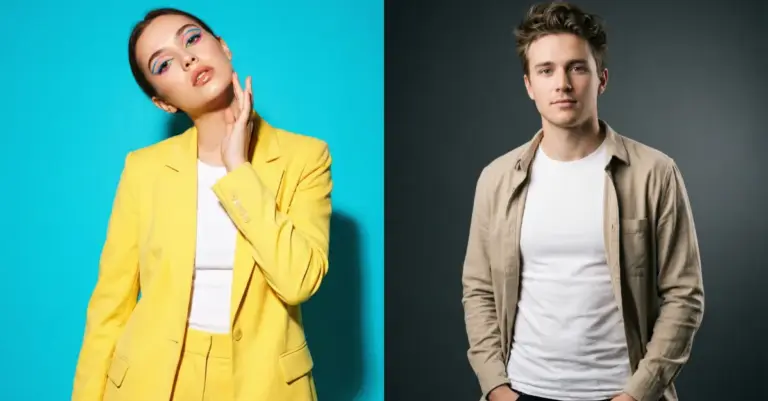
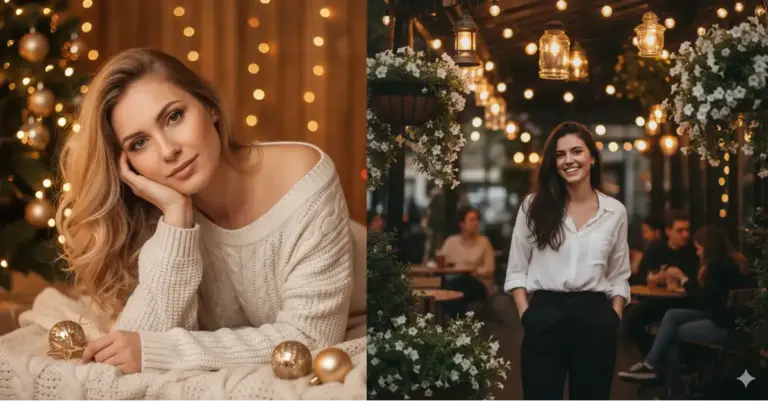
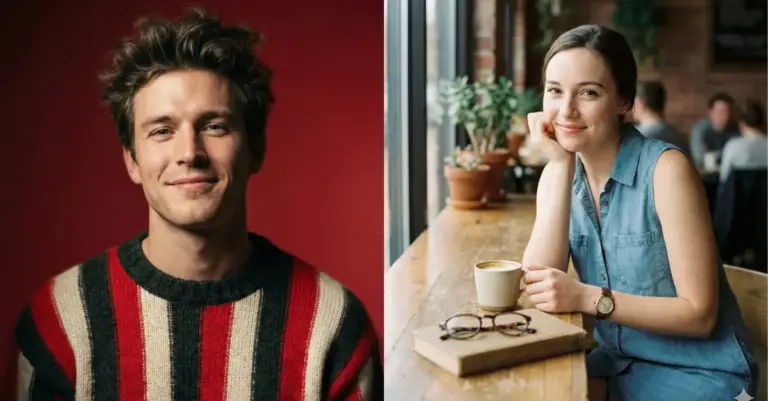
Following are some results.
How to Run It in ChatGPT
Open a new chat, click the attachment icon, and upload one clear photo of the person. A new chat matters more than people think, since older messages in a thread can pull the style in a different direction.
Paste the prompt right under the photo in the same message and send it. ChatGPT will generate the image using its built-in image model.
If the first result is close but not quite right, ask for a small edit in plain words instead of rewriting the whole prompt. Something like “keep everything the same but make the background a deeper blue” works well.
Why This Prompt Works
Most avatar prompts fail because they describe what the person looks like and forget to describe how the drawing should be made. This one spends most of its words on the drawing.
The phrases doing the heavy lifting are “flat vector,” “cel-shaded blocks of color,” “two or three flat tones per area instead of gradients,” and “no texture.” Those four instructions block the glossy 3D render that image models tend to fall back on.
The line about keeping face shape, hair texture, and eyewear is what stops the output from looking like a generic illustrated person. Without it, you get a nice avatar of somebody else.
Pick the Right Photo
A front-facing photo in decent light beats a beautiful photo at an angle. The model draws what it can see, so a three-quarter turn often comes back as a three-quarter portrait even when the prompt asks for straight on.
Avoid sunglasses, heavy shadows across the face, hats that hide the hairline, and group photos where the face is small. Regular glasses are fine and actually make the avatar more distinctive.
A plain selfie taken near a window is usually the best source file you have. Resolution matters less than clarity.
Change the Colors
The background color is one word in the prompt. Swap “mustard yellow” for slate blue, muted purple, terracotta, forest green, or warm cream and the rest of the illustration holds together.
The palette line already says the colors should be built around the background, so it follows along on its own. You only need to touch it if you want a specific shade named.
This is how you build a matching set for a team page. Same prompt, one different background color per person, and the grid looks intentional even though everyone uploaded a different photo in different clothes.
Fix the Common Problems
If the face comes back too smooth and generic, add “keep the nose shape and jawline exactly as in the photo” to the prompt. The model tends to average faces toward a default, and naming specific features pulls it back.
If the result looks 3D or airbrushed, the word “gradients” is usually the culprit somewhere in your edit. Repeat “flat color only, no gradients, no glossy highlights” and regenerate.
If a dark line shows up around the neck, jaw, or collar, the model has slipped into line art. Ask it to “remove all outlines and separate the shapes with color and value only” and the edges clean up right away.
If the clothing picks up wrinkles and shine, ask for “simplified fabric with only two flat tones.” Fabric is where realism sneaks back in first, since the model wants to draw every fold it can see in the photo.
Busy clothing is the one case worth overriding. If the source photo has a loud print or a graphic tee, add “replace the clothing with a plain solid-color top” and the avatar reads much cleaner at small sizes.
Where These Avatars Actually Get Used
I use the 4:5 version for anything that shows the shoulders and a 1:1 crop for profile pictures. Both come from the same generation, so there is no need to run the prompt twice.
They work well as author photos on a blog, as speaker cards, as podcast guest thumbnails, and as illustrations in a pitch deck where real headshots would look mismatched. The flat style also holds up at small sizes, which photos rarely do.
One practical note: keep the original photo and the exact prompt text saved together. Six months from now when you need a matching avatar for a new team member, you will want the same wording rather than a close guess.