Turn Your Photo Into a Fashion Illustration With This ChatGPT Prompt

Get our stories first in Google Search
Fashion illustrations have a charm that a regular photo can’t match. The loose ink lines, the slightly stretched proportions, the flat pops of color, it all feels hand-drawn and personal. There’s a reason fashion magazines used illustrated covers for decades before photography took over. A good illustration captures a mood, not just a moment.
With ChatGPT’s image model, you can upload your own photo and turn it into a magazine-style fashion sketch in a few seconds. It keeps your face and likeness while giving everything that illustrated, editorial look.
I’ve been testing this prompt a lot lately, and the results are clean and consistent every time. It’s become one of my favorite ways to make a profile picture or a fun post that stands out from the usual selfies. Below is the exact prompt I use, plus a full breakdown of how it works and how to get the most out of it.
The Prompt
Open ChatGPT, start a new chat, and upload the photo you want to convert. Make sure you actually attach the image before you send the message, otherwise ChatGPT has nothing to work from. Then paste this prompt:
Create a high-fashion editorial illustration from this photo while keeping the person’s identity, face, and likeness intact. Render it as a refined hand-drawn croquis with gracefully lengthened proportions, crisp black ink outlines, relaxed yet assured strokes, smooth flat color fills, and gentle rosy cheek tints. Give the eyes an artful treatment, lips a bold graphic shape, hair a fluid inked look, and clothing reduced to clean angular forms. Place it on a bright white backdrop with a soft scanned-paper grain, in the spirit of a contemporary luxury fashion magazine plate. Keep the image free of any lettering or text. Use aspect ratio 4:5.
That’s the whole thing. Copy it as is and you’ll get a solid result on the first try. But it helps to understand why it’s written this way, because once you know what each part does, you can tweak it for your own taste.
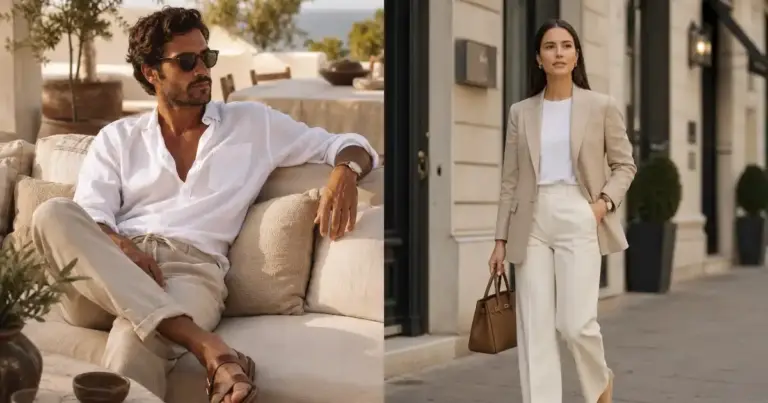
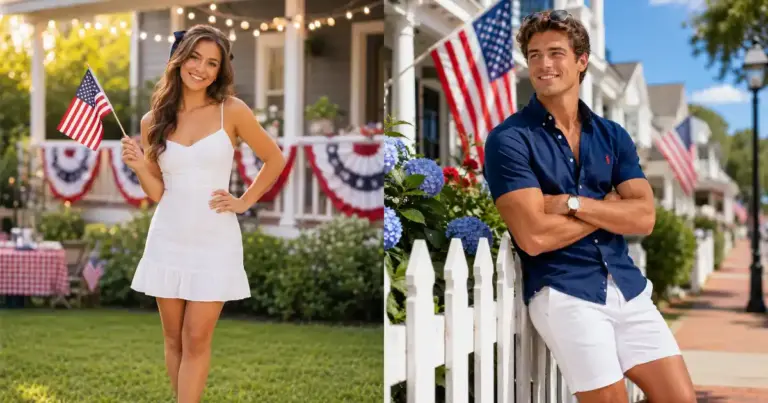
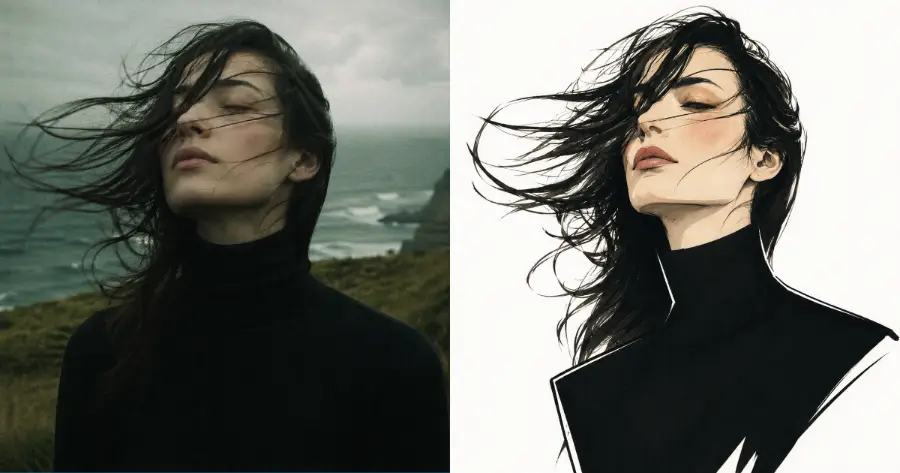
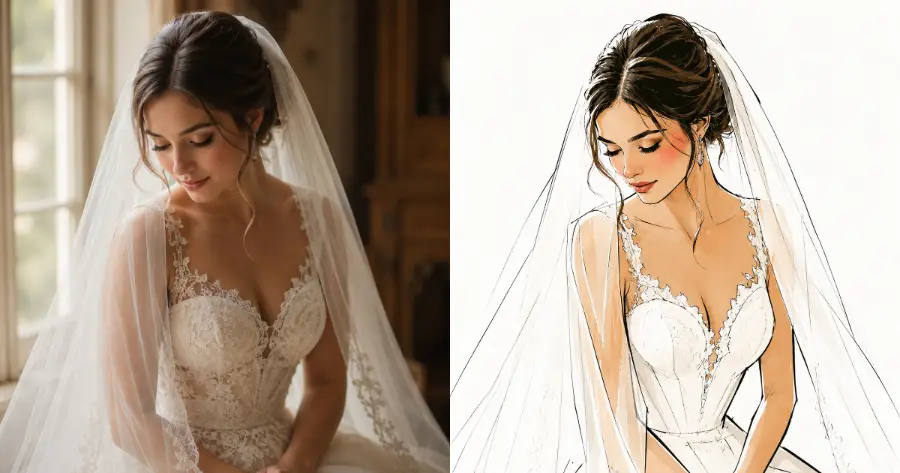
Following are some examples I tried.
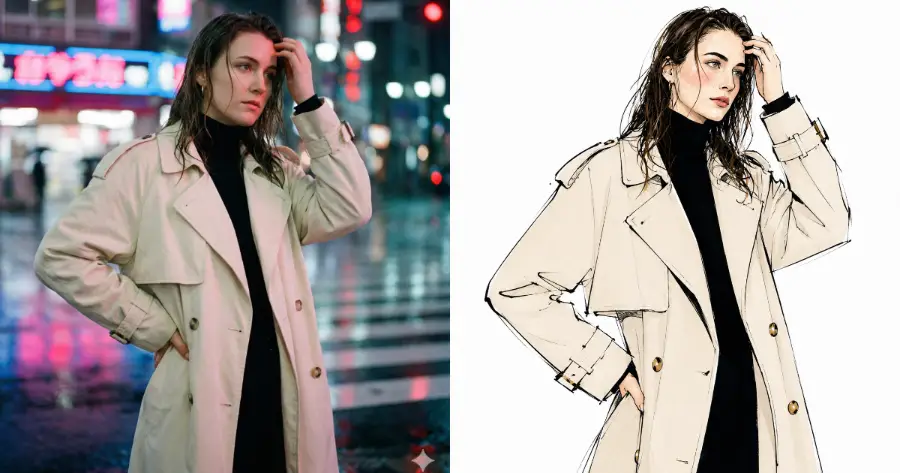
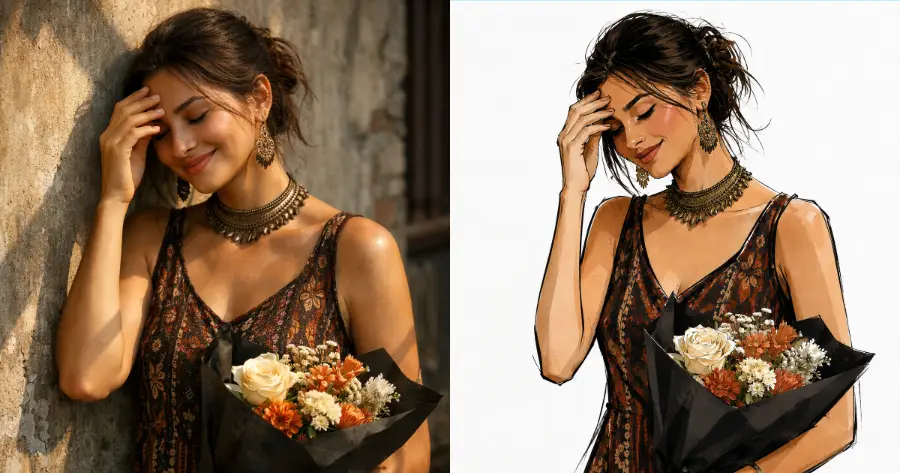
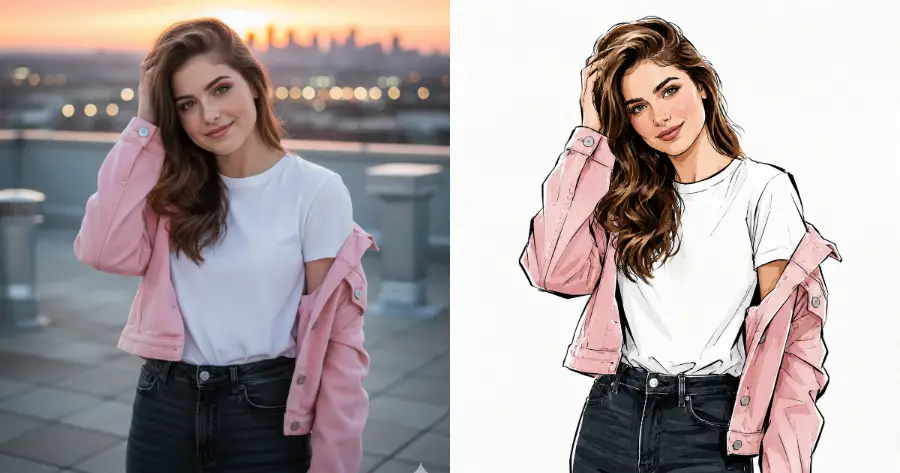
What This Prompt Does
Every part of this prompt is doing a job, so it’s worth walking through each piece.
The line about keeping your identity and likeness is the most important one. It tells ChatGPT to hold onto your real face instead of inventing a generic model. Without it, the model tends to drift toward a random pretty face that looks nothing like you. Never remove that part of the prompt.
The “hand-drawn croquis” wording is what gives the image that fashion-sketch feel. A croquis is the term illustrators use for a quick figure drawing, and including it pushes the result toward loose, artistic linework rather than a stiff, over-polished render. It’s a small word that makes a big difference.
The elongated proportions, ink outlines, and flat color fills are the visual signature of editorial fashion art. Real fashion illustrators stretch the figure on purpose because it makes the clothes look elegant and the pose look confident. The flat color, instead of detailed shading, keeps the whole thing looking like art rather than a filtered photo.
The blush accents and graphic lips matter more than you’d think. Flat illustration styles can make a face look empty and lifeless. A touch of color on the cheeks and a bold shape for the lips brings the face back to life without adding heavy detail.
The white background with a soft paper grain is what makes it look like a real magazine page. The grain texture is the secret ingredient here. A pure flat white can look digital and cheap, but a faint scanned-paper texture makes it feel like a printed plate from an actual fashion publication.
Finally, the no-text instruction stops ChatGPT from adding random letters, fake magazine headlines, or messy signatures. Image models love to sneak in text, and this line keeps the result clean.
Tips for the Best Results
Use a clear, well-lit photo where your face is easy to see. ChatGPT holds onto your likeness much better when the original photo is sharp and the lighting is even. Blurry or dark photos give the model less to work with, and the face it draws will be more of a guess.
A simple pose works best. Photos where you’re standing or sitting with a clean outline translate into illustration far better than busy, cluttered shots. If there’s a lot happening in the background or your arms are crossed in a complicated way, the illustration gets messy.
Front-facing or slight three-quarter angles give the strongest results. Extreme side profiles or heavily tilted angles can confuse the model when it tries to simplify your features into clean lines.
If the first result looks too stiff or too detailed, just ask ChatGPT to make the linework looser or the colors flatter. You can stay in the same chat and say something like “make the lines looser and more sketchy” or “use fewer colors.” Small follow-up notes go a long way and you don’t need to start over.
You can also swap the aspect ratio depending on where you’re posting. The 4:5 size is great for an Instagram feed post. Try 9:16 if you want a full-length version for a story or a reel, or 1:1 if you want a clean square for a profile picture.
One more thing worth trying: run the same photo through the prompt two or three times. ChatGPT gives slightly different results each time, and you can pick the version you like best. It costs you nothing but a few extra seconds.
This is one of those prompts that looks simple but gives a result that feels expensive. Upload a good photo, paste the prompt, and you’ll have an editorial fashion illustration of yourself in seconds. No drawing skills, no design software, no learning curve.
Try it with a couple of different photos and see which one turns out best. The style suits some shots better than others, and half the fun is finding the one that clicks. Once you find a photo that works well, this becomes the easiest way to create a striking profile picture or a post that actually stands out in a feed full of ordinary selfies.