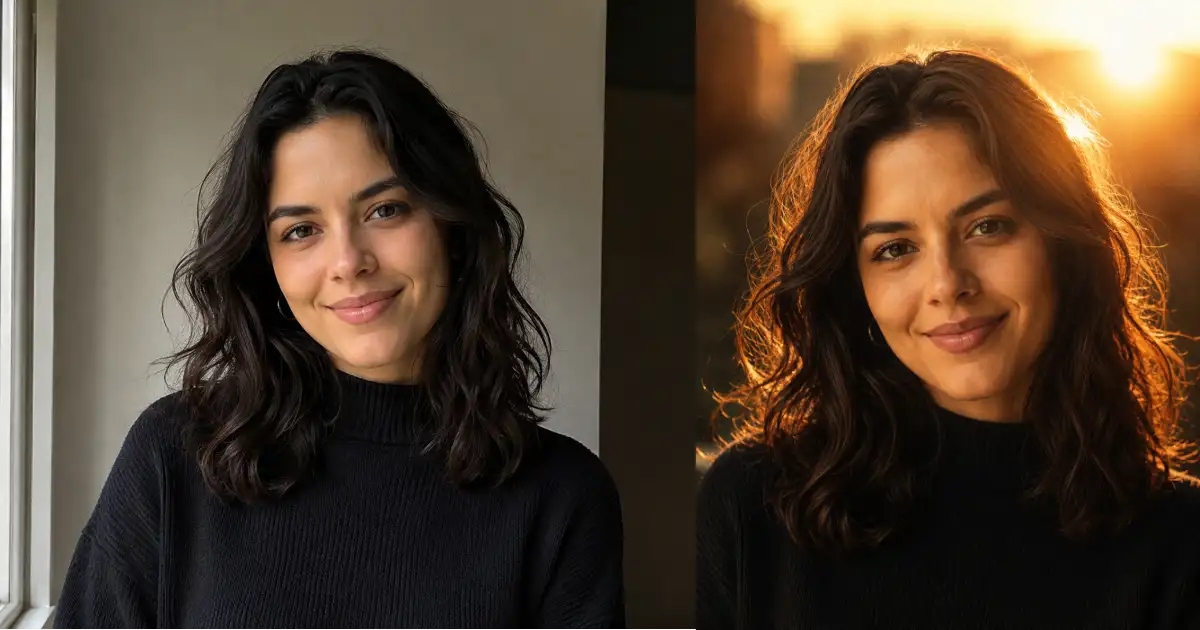
ChatGPT Prompt That Turns Your Photo Into a Cinematic Golden Hour Portrait

Get our stories first in Google Search
There’s a certain kind of portrait that always catches my eye. A tight close-up, the sun glowing just behind someone’s head, warm amber light bleeding into the corner of the frame. It looks like a still pulled from a film, and it usually takes the right time of day, the right camera, and a lot of luck to get.
I stopped chasing that. Now I just take a normal photo of myself and hand it to ChatGPT with one prompt. It relights the whole thing into that exact look while keeping my face the same.
The reason this works so well is the detail in the prompt. A short, lazy request gives you a flat orange photo. This one tells the model exactly where the sun sits, how to light the hair, what tones to use, and how to grade the final image. That specificity is what makes the difference.
How to Use It in ChatGPT
Open ChatGPT, start a new chat, and upload a clear photo of yourself. The cleaner and better lit your original face is, the more accurately the model holds onto your features when it changes everything around them.
Then paste in the prompt below exactly as it is. The prompt already tells ChatGPT to keep your identity intact, so you don’t need to add anything else.
If the result comes out too strong, just reply and ask for softer, more natural light. The model adjusts from there without you needing to rewrite the whole thing.
The Prompt
This is the only prompt you need. It’s written to be gender neutral, so it works for anyone, and it leans fully into the tight cinematic close-up look with the sun tucked behind the head.
Create a close-up cinematic golden hour portrait from the uploaded photo, keeping the subject’s face and identity unchanged. Frame tightly on the head and shoulders. Place the setting sun just behind the subject’s head so warm light spills into the top corner of the frame as a soft glowing flare. The subject looks directly into the lens with a relaxed, natural expression. Add gentle backlight catching the edges of the hair. Use rich amber and copper tones with deep shadows on the shaded side of the face. Apply a soft filmic grade with fine grain and slightly lifted blacks. Shallow depth of field with a blurred warm background. Shot on a 50mm lens. Use aspect ratio 4:5.
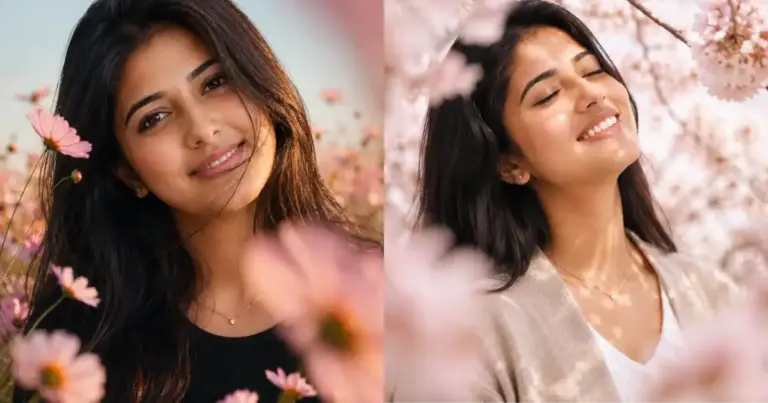
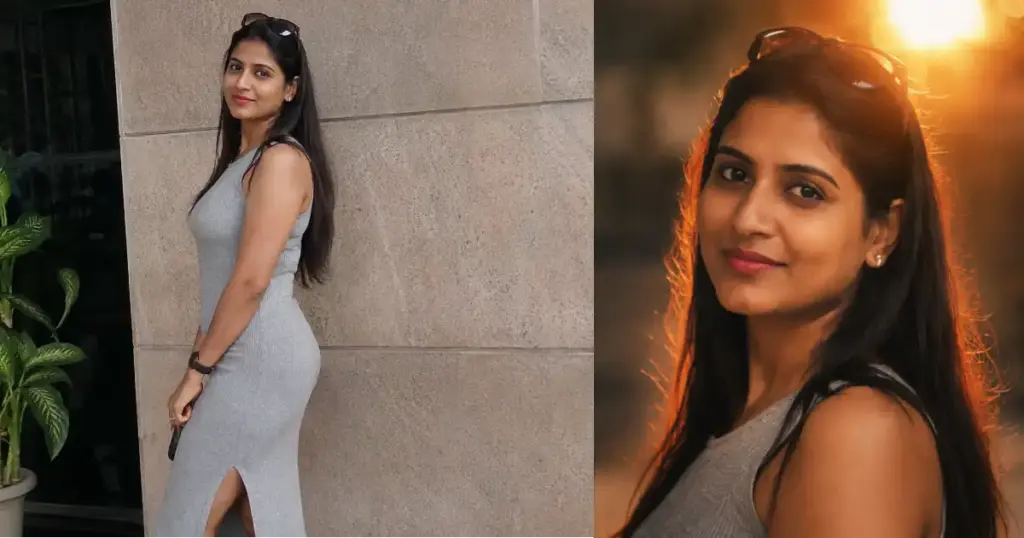
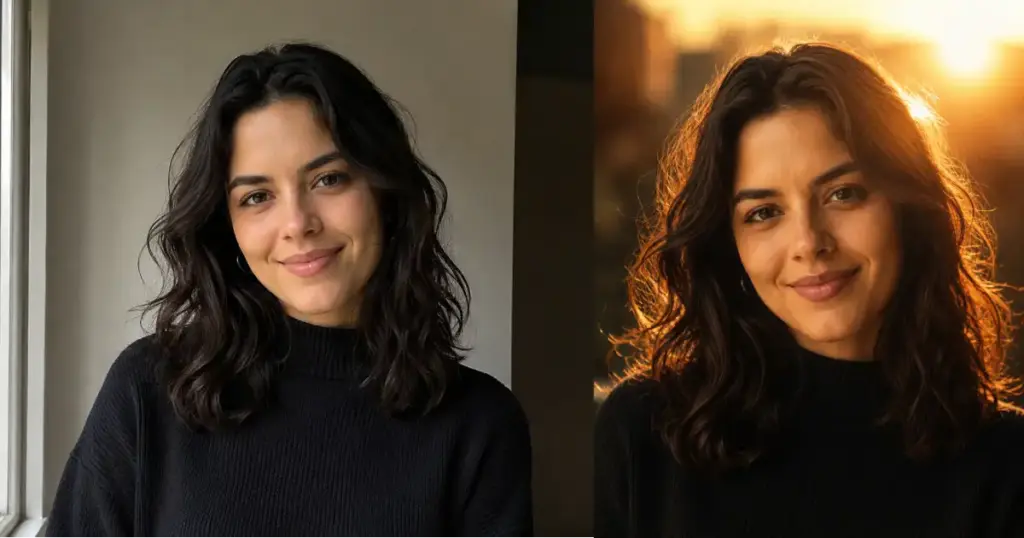
Following are some examples I tried.

Why Each Part Matters
It helps to know what each line is doing, because then you can tweak it for your own taste.
The line about keeping the face and identity unchanged is the most important one. Without it, ChatGPT sometimes drifts and gives you a face that looks close but isn’t quite you. Stating it plainly keeps your likeness locked in.
Framing tightly on the head and shoulders is what gives the photo its intimacy. A wider shot loses that closeness, so the tight crop is doing a lot of the emotional work here.
Placing the sun just behind the head is the trick behind that glowing flare in the corner. It also creates the backlight that lights up the edges of the hair, which is the detail that makes these portraits feel cinematic rather than flat.
The rich amber and copper tones plus deep shadows on the shaded side of the face give the image depth. One side glows, the other falls into shadow, and that contrast is what reads as film.
The soft filmic grade, fine grain, and slightly lifted blacks are the finishing touches. They take the photo away from that clean digital look and toward something that feels shot on real film. The 50mm lens and shallow depth of field keep the focus on you while the background melts into warm blur.
Small Tweaks You Can Try
The prompt works great as is, but a few small swaps let you shift the mood without rewriting everything.
If you want it brighter and airier, change “deep shadows” to “soft balanced shadows” and the whole image lifts. If you want it moodier, you can push it the other way and ask for stronger contrast.
You can also change the aspect ratio at the end. Keep 4:5 for an Instagram feed post, switch to 9:16 for a Story or Reel, or use 1:1 for a clean square profile shot.
If your hair isn’t lighting up the way you hoped, add “strong rim light around the hair” right after the backlight line. That pushes the glow harder.
The best part about this look is how flattering it is. The warm light softens everything, the shadows add a bit of drama, and the tight crop makes it feel personal. It works for a profile picture, a creator headshot, or just a photo you actually like of yourself.
Take a clear photo, upload it, paste the prompt, and let the light do the rest. Once you see the first result, you’ll probably end up running a few of your old photos through it too.